
MetaTrader 4 Download

Download MetaTrader 4 Forex Trading Platform

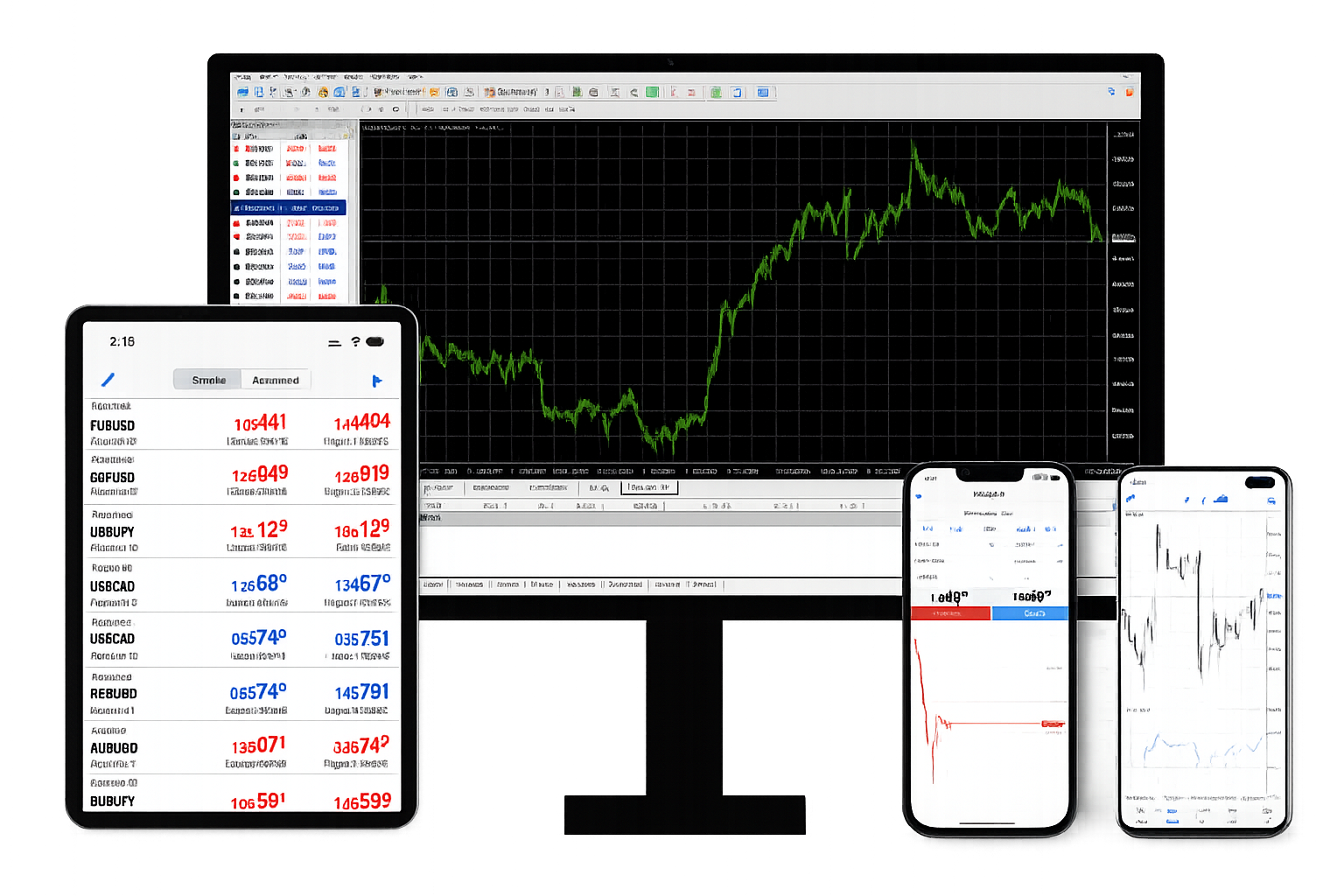
Choose MetaTrader 4 for Windows, macOS, Android, iPhone or iPad. Desktop terminals provide the full environment for chart analysis, order execution, account management and Expert Advisors, while mobile apps support real-time quotes, technical analysis and trade management away from the desktop. WebTerminal adds direct browser access without local installation.

MetaTrader 4 download options for desktop, web and mobile access

Choose the MetaTrader 4 Version for Your Device

Desktop and mobile editions connect to the same broker-based trading environment, but each version is designed around a different device, analysis depth and trading workflow.

Windows

MetaTrader 4 for Windows

Windows provides the complete MT4 desktop environment with live quotes, multi-timeframe charts, technical indicators, order execution, account management, trading history, scripts and Expert Advisors.

Download for Windows

macOS

MetaTrader 4 for macOS

macOS provides desktop access to MT4 with live quotes, chart analysis, technical indicators, order execution, account management and trading history for connected trading accounts.

Download for macOS
Android

MetaTrader 4 for Android

Android provides mobile trading with real-time quotes, 3 chart types, 9 timeframes, 30 technical indicators, 24 analytical objects, order execution, account management and trading history.

Download for Android
iOS

MetaTrader 4 for iPhone and iPad

iPhone and iPad provide mobile trading with real-time quotes, interactive charts, 9 timeframes, 30 technical indicators, 24 analytical objects, order execution and account management.

Download for iOS

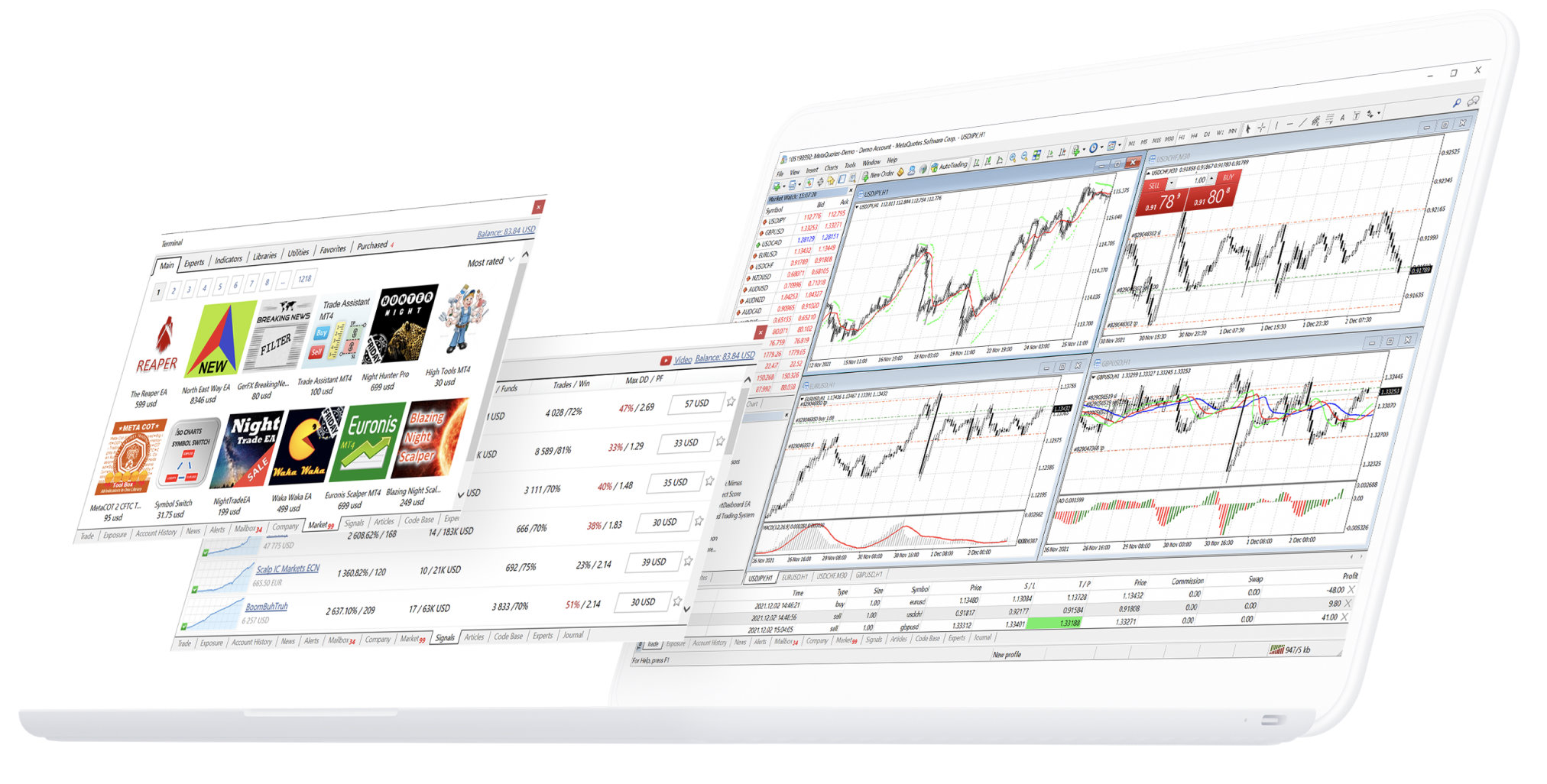
MetaTrader 4 Desktop for Full Trading and EA Operation

The desktop terminal is the most complete MT4 environment for technical analysis, trade execution and automated trading. Traders can work with live quotes, multiple charts, indicators and analytical objects, manage market and pending orders, review account activity and trading history, and run scripts or Expert Advisors. Account access still depends on valid login credentials and the correct broker server.

MetaTrader 4 desktop terminal for chart analysis and order management

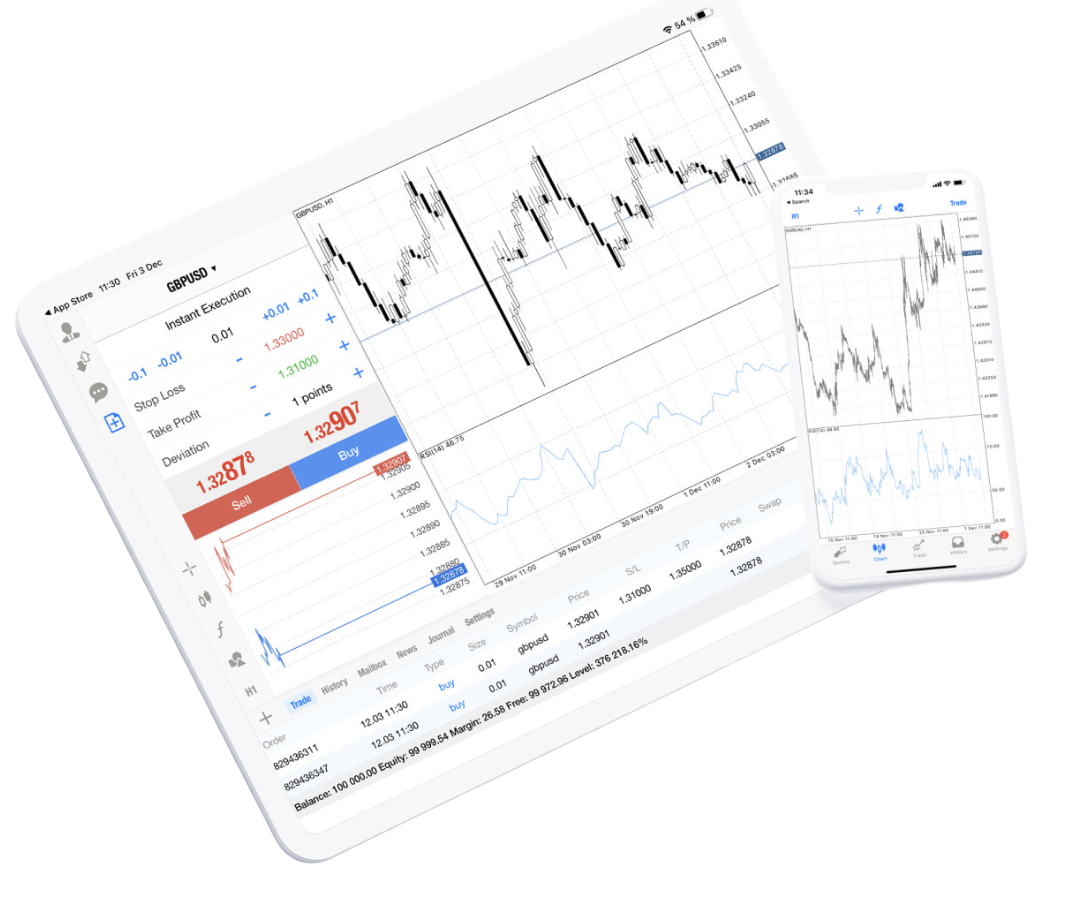
MetaTrader 4 for iPhone and iPad Mobile Trading

MetaTrader 4 for iPhone and iPad brings market quotes, interactive charts, technical analysis and trading operations to iOS devices. Traders can connect an existing account, monitor open positions, review trading history and manage supported orders from a phone or tablet.

  • Real-time quotes for connected trading instruments
  • Broker account and trading server connectivity
  • 30 technical indicators and 24 analytical objects
  • Market, pending and protective order management
  • Open positions and complete trading history
  • 3 chart types across 9 timeframes
  • Financial news and platform messages
  • Push notifications, email and chat
MetaTrader 4 mobile trading on iPhone and iPad

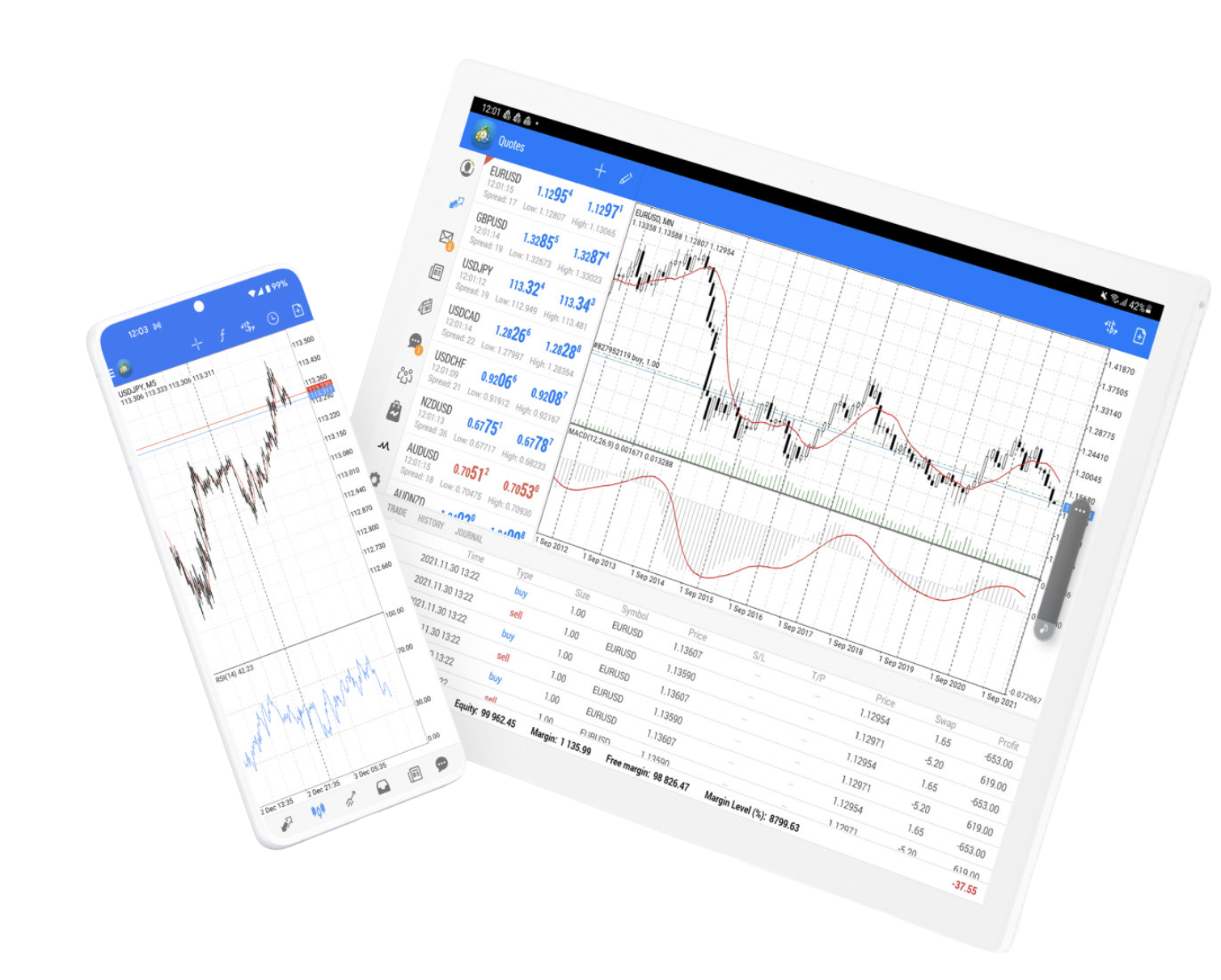
MetaTrader 4 for Android Phones and Tablets

MetaTrader 4 for Android combines mobile trading and technical analysis on smartphones and tablets. The app supports real-time quotes, interactive charts, technical indicators, analytical objects, trade execution, account monitoring and trading history through a connected broker account.

MetaTrader 4 on Android phones and tablets
  • Real-time quotes and connected account status
  • Broker account and trading server connectivity
  • 30 technical indicators and 24 analytical objects
  • Trading orders and position management
  • Trading history and available market symbols
  • 3 chart types across 9 timeframes

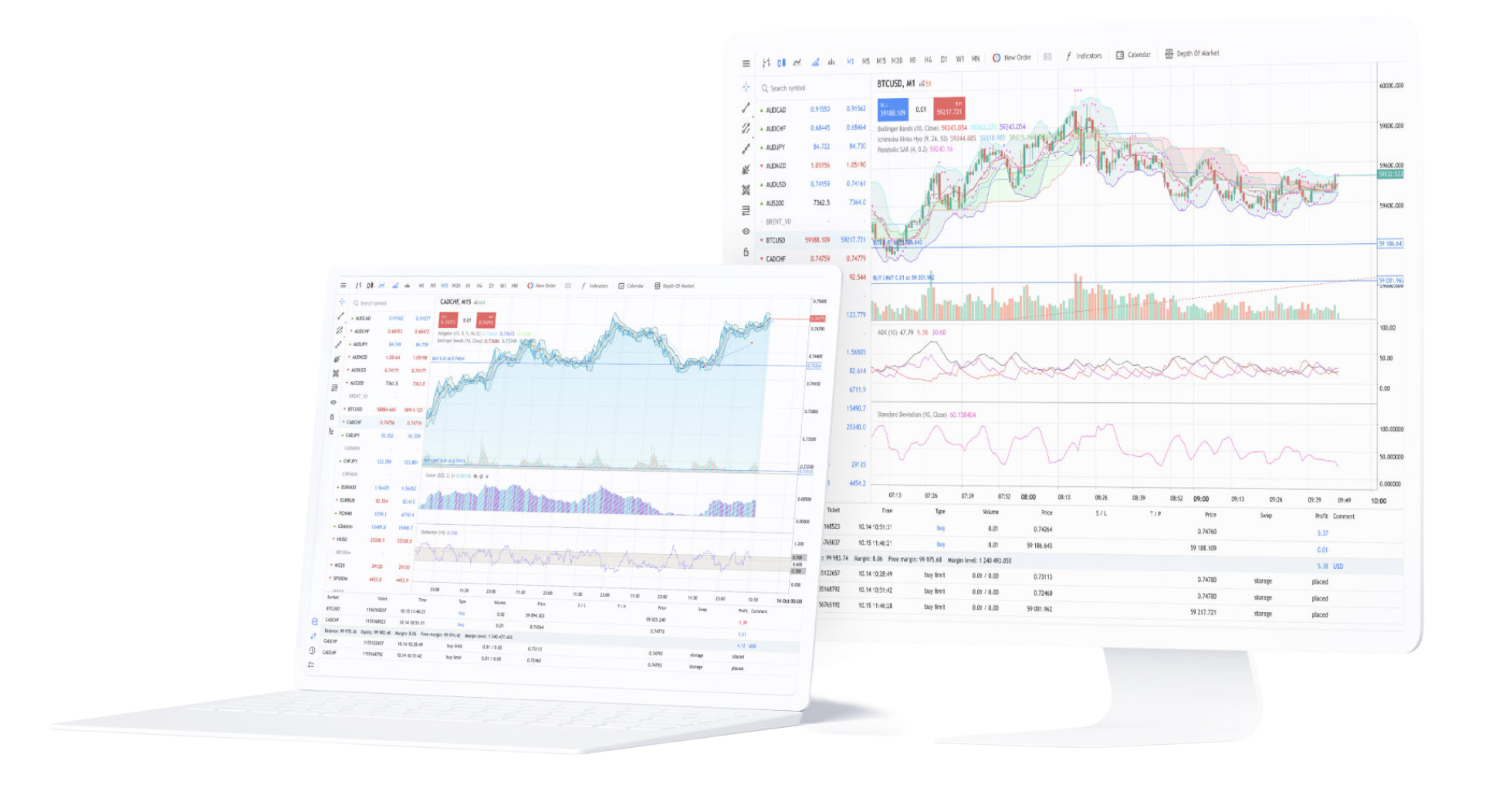
MetaTrader 4 WebTerminal for Browser-Based Trading

MetaTrader 4 WebTerminal provides direct browser access to a trading account without installing the desktop terminal.

The web platform supports real-time quotes, 9 timeframes, 30 technical indicators, graphical objects, trading operations and account history across major desktop operating systems. A valid trading account, broker server and internet connection are still required, while available instruments and execution conditions remain account-specific.

MetaTrader 4 WebTerminal trading interface

Desktop, Mobile or WebTerminal: Which MT4 Version Fits Your Workflow?

Each MT4 access method emphasizes a different part of trading. Desktop offers the full charting and Expert Advisor environment, mobile apps combine technical analysis with trade management, and WebTerminal provides browser-based access when installing software is not practical.

Choose Desktop for Full Analysis and Expert Advisors

Desktop is the primary choice for multi-chart analysis, indicator layouts, order management, scripts, MQL4 applications and Expert Advisors, especially when the terminal needs to remain active for extended trading sessions.

Choose Mobile for Analysis and Trade Management on the Move

Android and iOS apps are designed for real-time quotes, interactive charts, technical indicators, orders, positions and account history when access to the desktop terminal is unavailable.

Install MetaTrader 4 on the Right Device

MT4 uses different installation methods across desktop and mobile systems. Windows and macOS use desktop packages, Android and iOS use mobile applications, while WebTerminal runs directly in a browser. Choosing the matching version helps avoid incompatible files and incomplete installation attempts.

Windows and macOS Desktop Installation

Use the installation package that matches the current desktop operating system. Desktop terminals provide the broadest MT4 feature set and are the main environment for scripts and Expert Advisor operation.

WebTerminal Without Local Installation

Use WebTerminal when software installation is unavailable or unnecessary. Browser access still requires a valid trading account, the correct server and a stable internet connection.

Android and iOS Mobile Installation

Use the mobile version that matches the device operating system. Android and iOS both support quotes, charts, technical analysis, trading operations and account monitoring.

Connect MetaTrader 4 to a Trading Account After Installation

Installing MT4 provides the trading terminal, but live account access requires valid broker credentials. The account number, password and server must belong to the same trading environment before the platform can load account data, available instruments and live pricing.

Enter the Trading Account Credentials

Use the account number and password issued for the trading account. Once authenticated, MT4 can load positions, account values and trading history associated with that account.

Select the Correct Broker Server

The server must match the trading account. Choosing a different server can prevent login or stop quotes, symbols and account information from loading correctly even when the account credentials are valid.

Confirm Symbols, Quotes and Trading Conditions

Tradable symbols, spreads, leverage, market hours and execution permissions are supplied through the connected account and broker server rather than the MT4 installation package itself.

MetaTrader 4 Download and Installation FAQ

Answers to common questions about MT4 versions, desktop and mobile installation, WebTerminal, trading account login, broker servers and Expert Advisor support.

Which MetaTrader 4 versions are available for download?

MetaTrader 4 is available for Windows, macOS, Android, iPhone and iPad, with WebTerminal providing browser-based access. Each version is designed for a different device and trading workflow.

Why is the Windows desktop terminal commonly used for Expert Advisors?

The Windows desktop terminal provides the full MQL4, script, Expert Advisor and Strategy Tester environment required to develop, run and monitor automated trading programs. Mobile apps focus on trading and account access rather than EA execution.

Can MetaTrader 4 be installed on a Mac?

Yes. A macOS download option is available for Mac devices. After installation, users still need a valid trading account, password and matching broker server to access live account data and trading functions.

What can the MetaTrader 4 Android and iOS apps do?

The mobile apps provide real-time quotes, interactive charts, 9 timeframes, 30 technical indicators, 24 analytical objects, trading orders, account monitoring and trading history on smartphones and tablets.

Does MetaTrader 4 WebTerminal require a download?

No desktop installation is required. WebTerminal runs in a browser and supports real-time quotes, charts, technical indicators, graphical objects, trading operations and account history through a connected trading account.

Why does MT4 require an account and broker server after installation?

MT4 is trading software rather than a brokerage account. The platform needs valid account credentials and the matching server to receive live quotes, available symbols, positions and order permissions from the connected trading service.